Apple Wallet, Email Alerts, and Talking to Benjamin
Connect Apple Card, Apple Cash, and Apple Savings straight from your iPhone, get the alerts you care about in your inbox, and have a real conversation with Benjamin — out loud.
Wellthplan is built around one number — Safe to Spend. This update is about keeping that number complete, keeping you informed, and making Benjamin easier to reach. Three new things ship today.
Apple Wallet: connect Apple Card, Cash, and Savings
If you use Apple Card, there's been a hole in your financial picture — it doesn't connect through the usual bank-linking flows, so its spending never made it into your budgets.
That hole is closed. Wellthplan now connects directly to Apple Wallet on your iPhone, so you can add Apple Card, Apple Cash, and Apple Savings in a couple of taps — no bank login, no credentials to type. Grant permission, pick your accounts, and Wellthplan imports your history and keeps everything in sync.
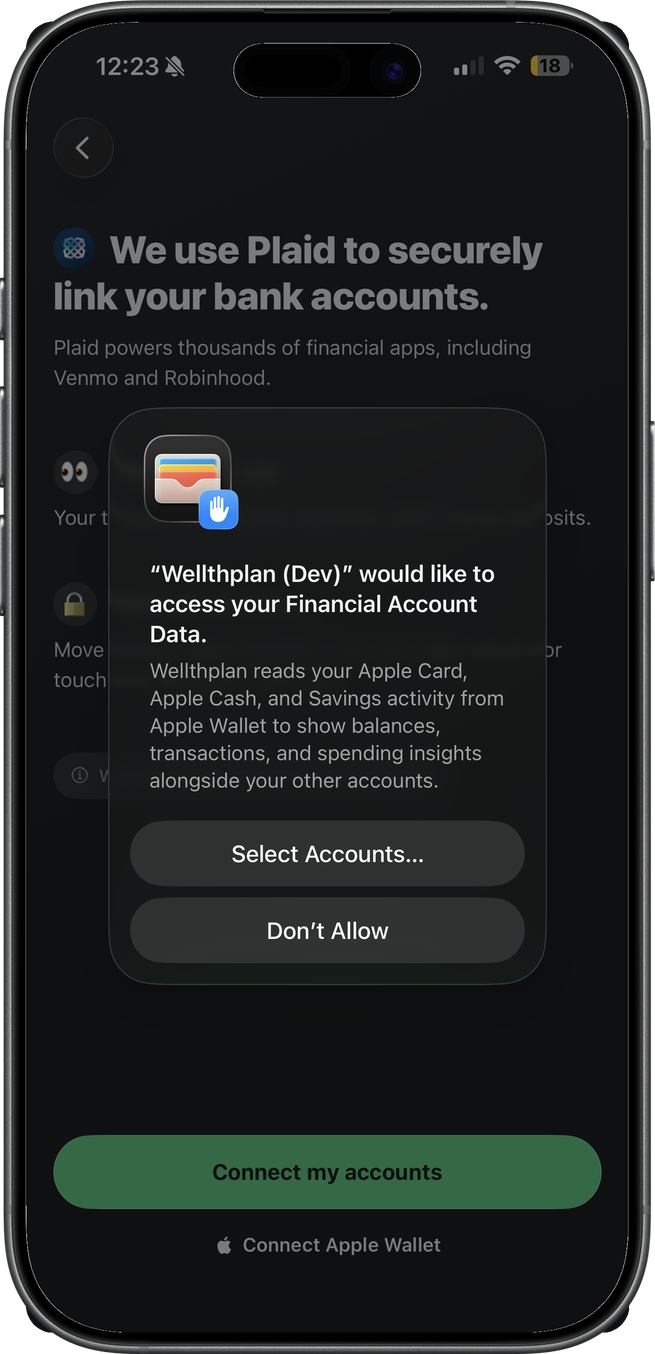
Once connected, these accounts work like any other: transactions land in your feed with merchant names and categories, count against your Needs and Wants, and feed your Safe to Spend. Syncing happens right on your device — every time you open the app, and on newer iPhones even in the background while the app is closed.
Apple Wallet connections require an iPhone on iOS 17.4 or later.
Email alerts: your money news, in your inbox
Wellthplan already watches your money for the moments that matter — payday landing, a large purchase, a budget crossing its threshold, a subscription quietly raising its price, an account balance running low.
Until now those alerts lived in the app and in push notifications. Now they can reach your inbox too. Turn on Email Alerts in notification settings, then choose exactly which alerts should email you — each rule has its own in-app, push, and email toggles, so payday can hit your inbox while smaller alerts stay in the app.
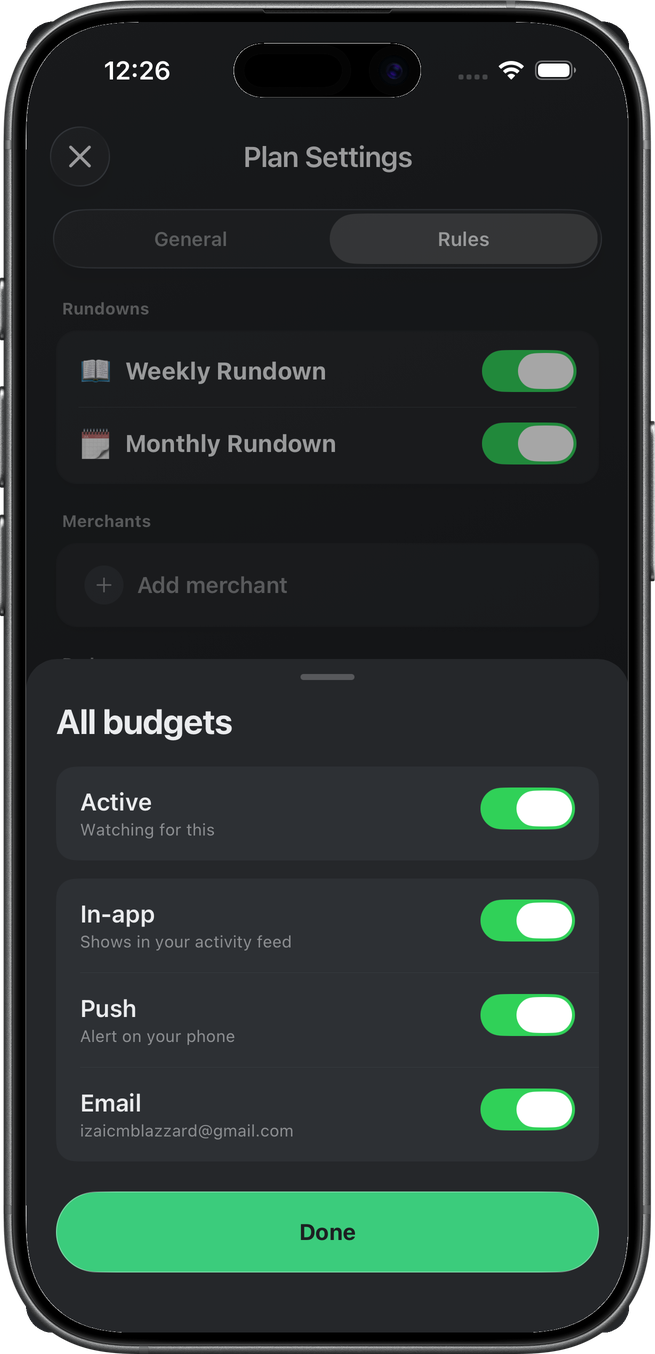
Rather than pinging you for every event, Wellthplan bundles what happened into a single, readable email — a short plain-language summary of what triggered and why, with one tap to open the app for the details.
Email alerts are off by default. Your inbox, your rules.
Voice: talk it out with Benjamin
Sometimes typing is the wrong tool — you're cooking, driving, or you just think better out loud. Now you can talk to Benjamin.
Open a chat, tap the waveform, and you're in a live conversation. Ask what's safe to spend, where the money went this month, how a budget is tracking — Benjamin answers out loud, grounded in your actual accounts and transactions, using the same tools he has in text chat.
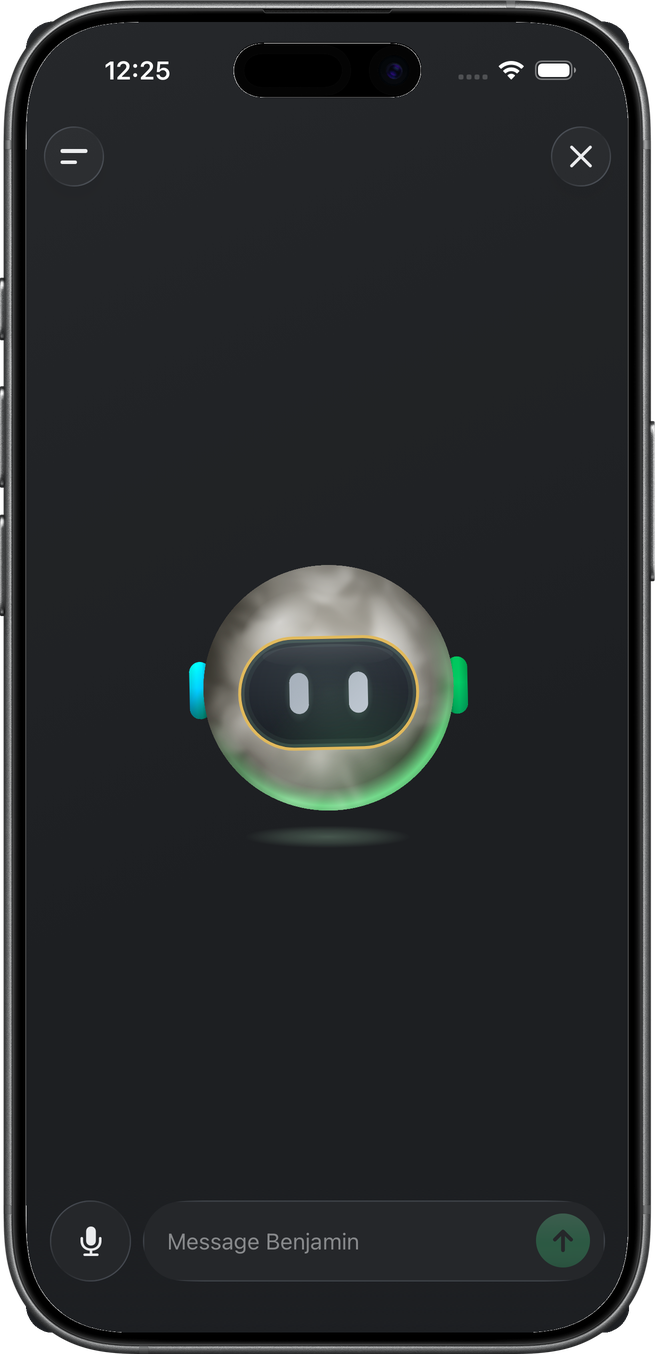
It works like a real conversation: interrupt him with a tap when you've heard enough, mute yourself, or type a message mid-call when a number is easier to read than to hear. When you hang up, the whole exchange is saved in your thread — so nothing you talked through gets lost.
Try them today
Update to the latest version of Wellthplan, connect your Apple Card, pick the alerts you want in your inbox — and say hello to Benjamin.
Download Wellthplan and spend today while planning for tomorrow.